






M-Learning vs E-Learning Decision Tool
Select the scenario that best matches your training or learning needs.
Safety Compliance
Training for retail staff who are constantly moving around the floor. Needs quick updates on safety protocols without pulling them off work for hours.
Context-Aware Complex Certification
A medical student studying detailed anatomy and complex spreadsheets of drug interactions. Requires deep analysis and long focus sessions.
Deep Analysis Language Learning
Learning Spanish vocabulary during a daily 30-minute commute. Sessions need to be short, gamified, and interruptible.
Microlearning Field Repair Guide
A mechanic in a garage with poor Wi-Fi needs to identify engine parts and see repair overlays instantly while working.
Offline/ARYou’ve probably seen the term m-learning thrown around in educational discussions or tech blogs. But what does that “m” actually stand for? It’s not a secret code. It stands for Mobile. Specifically, it refers to learning that happens via mobile devices like smartphones and tablets.
This isn’t just about reading textbooks on your phone. It’s a fundamental shift in how we access information. Instead of being tied to a desk or a classroom, knowledge travels with you. If you’re commuting, waiting in line, or lying in bed, you can engage with educational content instantly. This flexibility is why m-learning has become such a big deal in distance learning and corporate training over the last few years.
The Core Definition of M-Learning
To really get what m-learning is, you have to look at the device first. M-learning, also known as mobile learning, is defined as the ability to learn anywhere, anytime, using portable technology. The key here is portability. Your laptop might be powerful, but if you leave it at home, you can’t use it. Your smartphone, however, is likely within arm's reach twenty-four hours a day.
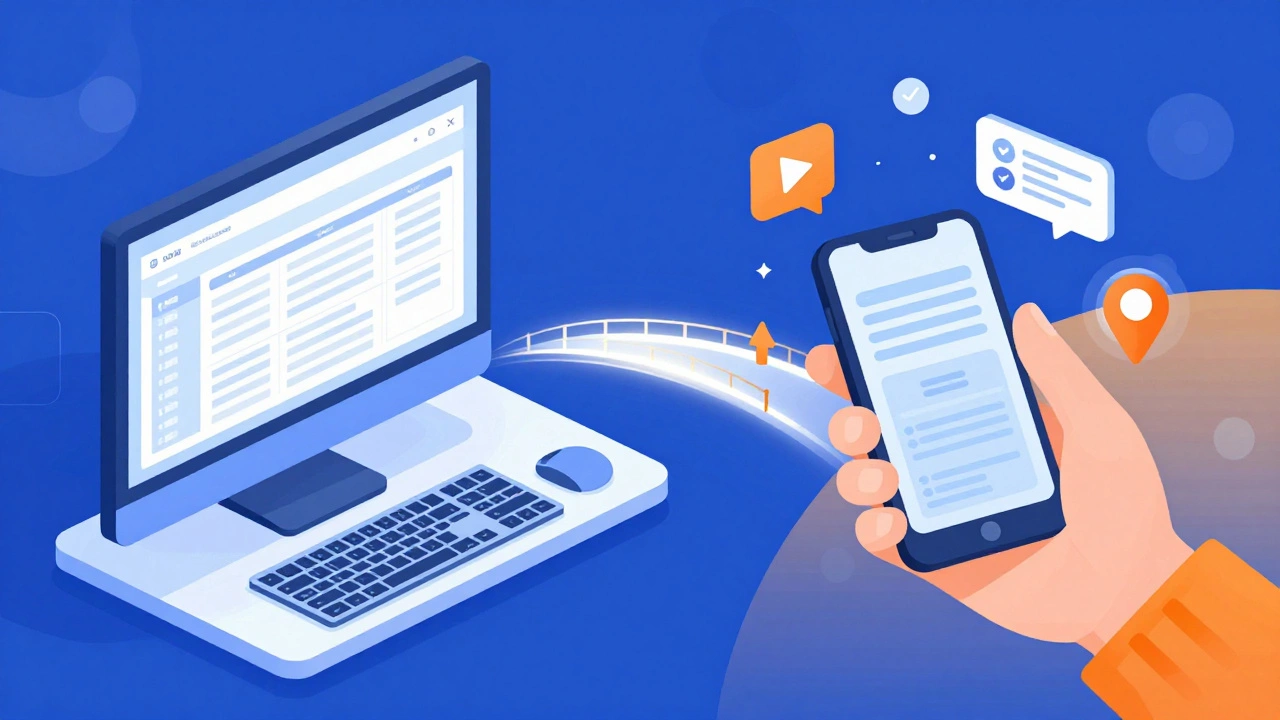
This concept builds on e-learning, which is electronic learning delivered through computers. Think of e-learning as the parent category. M-learning is a subset of that, optimized for smaller screens and shorter attention spans. While e-learning often involves long modules watched on a monitor, m-learning focuses on bite-sized content that fits into the gaps of your daily life.
- Device Agnostic: It works on iPhones, Androids, iPads, and even smartwatches.
- Context-Aware: Apps can use GPS to give you location-based lessons (like identifying plants while walking).
- Microlearning Friendly: Content is broken down into two-to-five-minute chunks.
When you understand this distinction, the “m” stops being a letter and starts being a strategy. It’s about meeting learners where they already are-on their phones.
How M-Learning Differs from Traditional E-Learning
People often confuse m-learning with standard online courses. They overlap, sure, but they serve different purposes. Let’s break down the differences so you can see which one fits your needs better.
| Feature | E-Learning | M-Learning |
|---|---|---|
| Primary Device | Desktop/Laptop | Smartphone/Tablet |
| Session Length | Long (30+ minutes) | Short (1-5 minutes) |
| Connectivity | Requires stable Wi-Fi/Ethernet | Works offline; syncs later |
| Interaction Style | Mouse and keyboard | Touch, swipe, voice |
| Best For | In-depth certification courses | Quick reviews, reminders, on-the-go tasks |
Notice the connectivity row. That’s huge. In many parts of the world, reliable Wi-Fi is scarce, but mobile data is everywhere. M-learning bridges that gap. Also, think about interaction. Swiping through flashcards feels natural on a phone. Typing an essay does not. This physical difference changes how we design the learning experience entirely.
Key Technologies Powering Mobile Learning
M-learning doesn’t run on magic. It relies on specific technologies that make seamless learning possible. If you’re looking to implement or choose an m-learning solution, these are the tools driving the industry.
First, there’s Learning Management Systems (LMS). Modern LMS platforms are now mobile-responsive. This means the same course you built for a desktop automatically adjusts its layout for a phone screen. You don’t need separate software; the platform handles the resizing.
Second, SCORM and Sharable Content Object Reference Model standards ensure your content tracks properly. When a student completes a module on their tablet, SCORM tells the system they finished it. Without this, you’d have no way to measure progress across different devices.
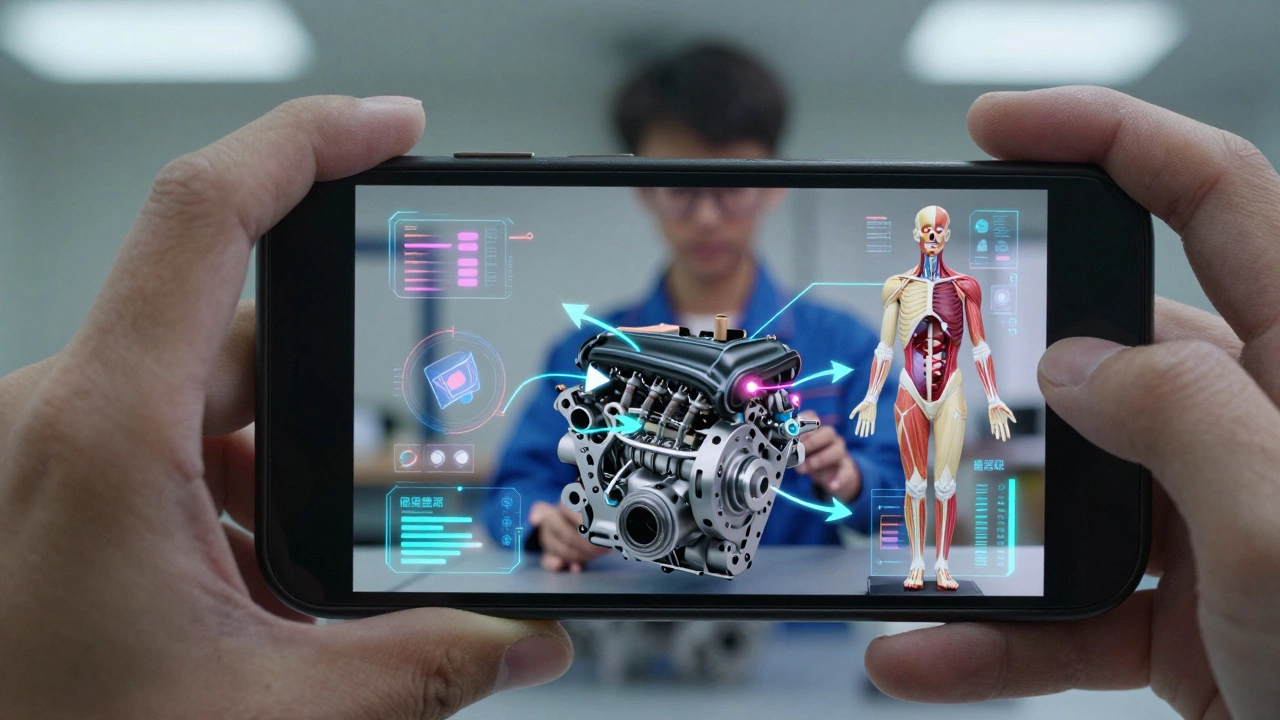
Third, Augmented Reality (AR) is changing the game. Imagine a medical student pointing their phone at a mannequin and seeing digital overlays of muscles and bones. Or a mechanic scanning an engine part to see a repair guide superimposed on the real object. AR turns abstract concepts into visual, interactive experiences right in your hands.
Real-World Applications of M-Learning
It’s easy to talk about theory, but where do you actually see m-learning working? It’s everywhere, once you start looking.
In healthcare, nurses use apps to review drug interactions between patient rounds. They don’t have time for a two-hour lecture. They need quick, accurate info. M-learning delivers that. In retail, staff members watch short videos on new product features during their breaks. This keeps them updated without pulling them off the floor for days.
Even language learning giants like Duolingo are built on m-learning principles. Short, gamified lessons fit perfectly into a commute. You learn Spanish while waiting for the bus. The friction is low, so the engagement stays high.
- Corporate Training: Safety protocols and compliance updates sent directly to employee phones.
- K-12 Education: Homework help apps that allow students to scan math problems for step-by-step solutions.
- Higher Education: University lectures recorded and streamed for students who missed class due to illness.
These examples show that m-learning isn’t just a trend. It’s a practical tool for solving real problems: lack of time, lack of space, and lack of resources.
Challenges and Limitations to Consider
Is m-learning perfect? No. Like any tool, it has drawbacks. If you ignore these, your learning program could fail.
The biggest issue is screen size. Trying to read dense text or analyze complex spreadsheets on a five-inch screen is painful. Designers must simplify content significantly. If you try to force a desktop experience onto a mobile device, users will bounce. You lose their attention.
Battery life is another factor. Video-heavy courses drain batteries fast. If a learner is on the go, they might not have a charger nearby. Your content needs to be lightweight. Optimize videos for streaming rather than downloading full HD files unless necessary.
Distraction is the silent killer of m-learning. Phones are notification machines. Every buzz interrupts the learning flow. Successful m-learning strategies acknowledge this by keeping sessions short and engaging enough to override the urge to check social media.
Future Trends in Mobile Learning
We’re only scratching the surface. As technology evolves, so does m-learning. What’s next?
Artificial Intelligence (AI) is making learning hyper-personalized. AI algorithms analyze how you interact with content. Did you pause on that video? Did you re-read that paragraph? The system adapts, offering more practice on weak spots or skipping ahead on mastered topics. No two learners get the exact same path anymore.
Voice assistants are also entering the mix. Imagine asking your phone, “What was the capital of Peru again?” and getting an instant answer. Voice-enabled learning allows for hands-free study, which is great for drivers or people cooking dinner. It makes learning conversational rather than passive.
Finally, expect more integration with wearable tech. Smart glasses could eventually replace phones for certain types of field work, projecting information directly into your line of sight. We aren’t there yet, but the trajectory is clear.
Is m-learning effective for deep learning?
M-learning excels at reinforcement and micro-learning, but it struggles with deep, complex analysis due to screen limitations. For deep learning, use m-learning for review and recall, and reserve desktop e-learning for initial heavy lifting and detailed study.
Do I need special software for m-learning?
Not necessarily. Most modern Learning Management Systems (LMS) are responsive, meaning they adapt to mobile browsers automatically. However, dedicated apps offer better performance, offline access, and push notifications, which can boost engagement.
Can m-learning work offline?
Yes. Many m-learning platforms allow users to download content when connected to Wi-Fi and complete modules later without an internet connection. Progress syncs once the device reconnects.
What is the best content format for mobile learning?
Video clips under three minutes, interactive quizzes, and audio podcasts work best. Avoid large blocks of text or complex data tables. Use vertical video formats since most people hold their phones upright.
How does m-learning reduce costs?
It eliminates travel expenses for training, reduces printing costs for manuals, and minimizes downtime since employees can learn in small bursts rather than taking full days off for workshops.